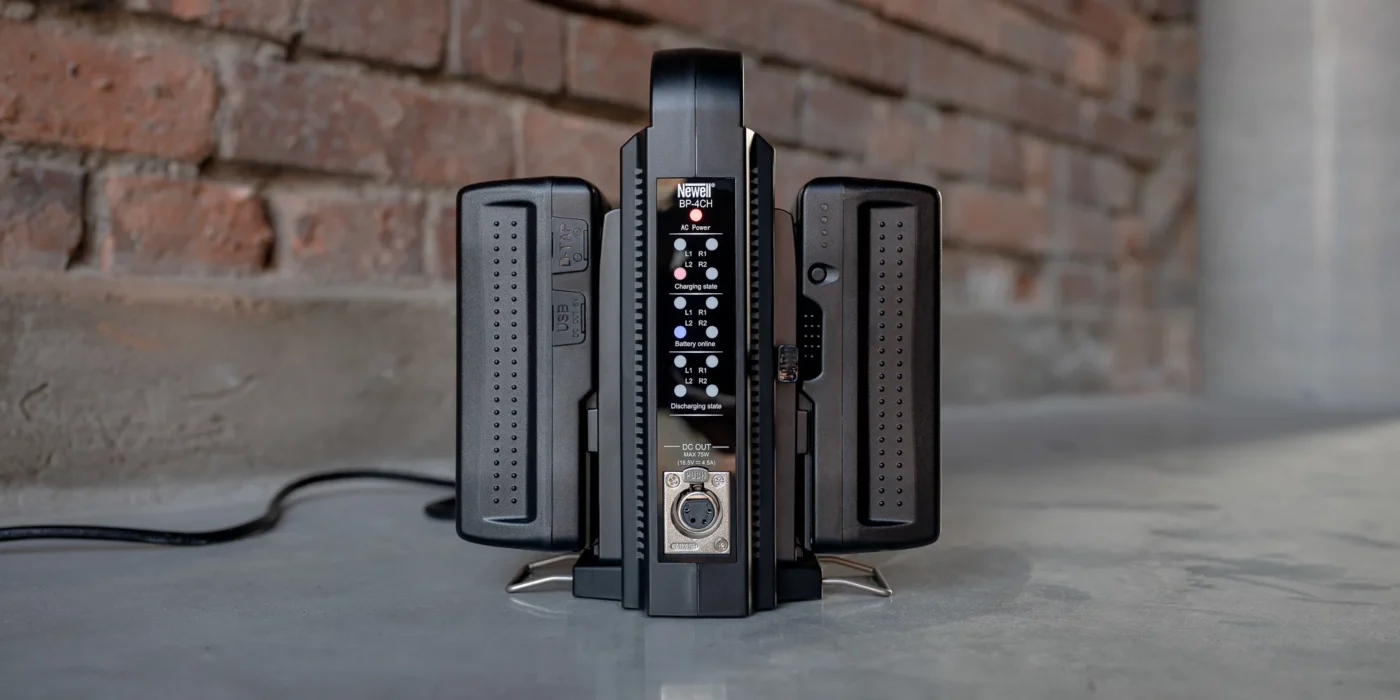
The sun was setting over the perfect location, the talent was ready, and the director called “action”—then the camera died. For videographer Marcus Chen, that nightmare became reality when his budget V-mount battery failed mid-shoot, costing him thousands in lost time and a damaged client relationship. This scenario plays out more often than it should, and it’s almost always preventable.
V-mount batteries represent one of the most critical investments in any video production setup, yet they’re also where filmmakers make some of their costliest mistakes. Choosing the wrong battery doesn’t just mean wasted money—it means unreliable gear that fails when you need it most, potential safety hazards on set, and the heartbreak of losing irreplaceable footage. The market is flooded with options ranging from suspiciously cheap to premium-priced, making the decision overwhelming for even experienced professionals.
This guide cuts through the confusion by identifying the five most common mistakes videographers make when purchasing V-mount batteries. By understanding these pitfalls and learning how to avoid them, you’ll be equipped to choose batteries that deliver reliable performance, genuine value, and the peace of mind that your power source won’t let you down during critical moments.
Mistake 1: Prioritizing Price Over Quality and Safety
The allure of a $50 V-mount battery is strong when premium options cost five times as much, but this is where many videographers make their most dangerous mistake. Cheap batteries often use inferior lithium cells that degrade rapidly, delivering only a fraction of their advertised capacity after just a few charge cycles. Within months, that bargain battery might hold barely half its original charge, forcing you to buy replacements far sooner than anticipated. Beyond poor performance, low-quality batteries pose genuine safety risks—overheating during charging, swelling that can damage your equipment, and in extreme cases, thermal runaway that creates fire hazards on set.
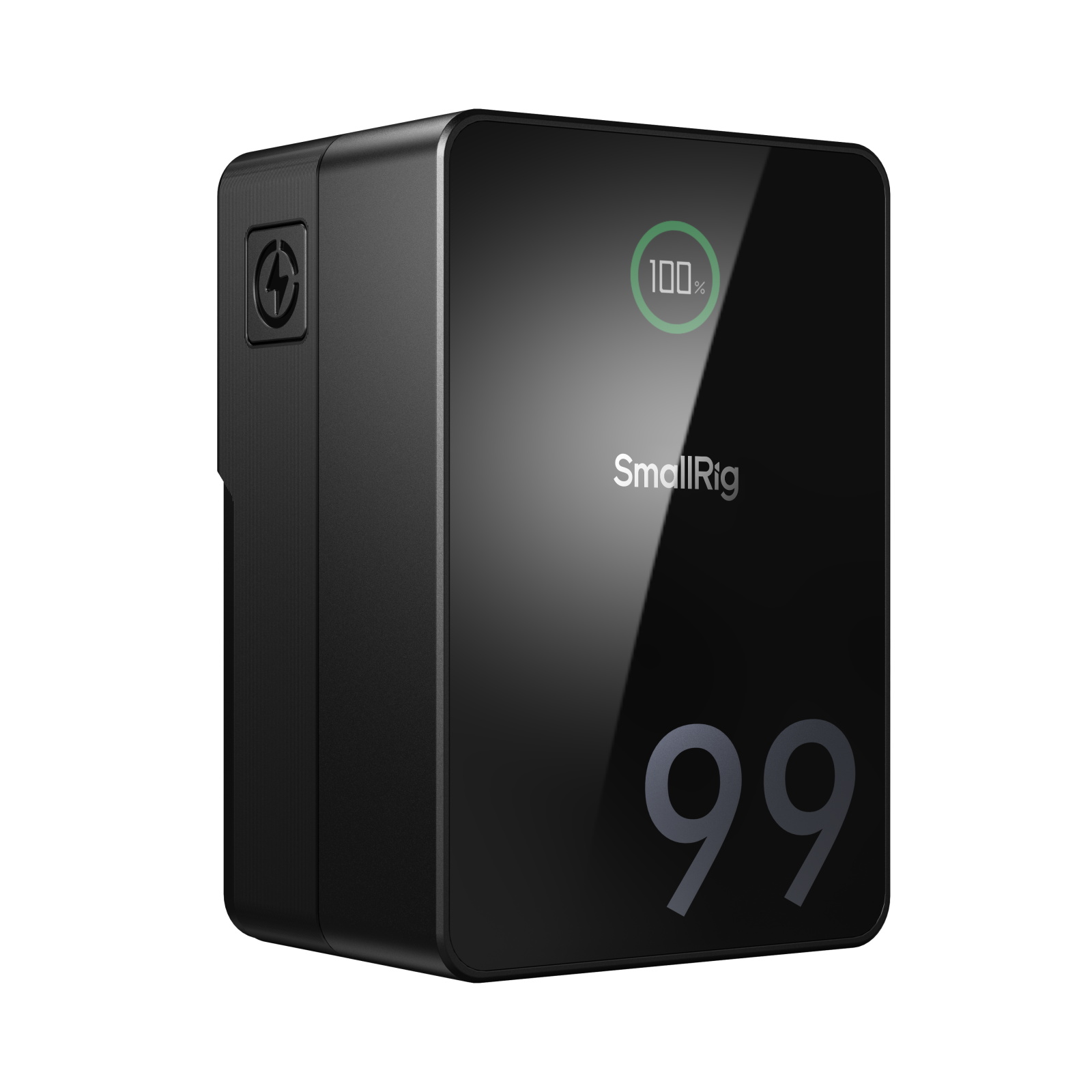
The root problem lies in what you can’t see: protection circuits. Reputable manufacturers include sophisticated battery management systems that prevent overcharging, balance cells during discharge, and shut down operations when temperature thresholds are exceeded. Budget batteries frequently skip these critical safeguards to cut costs. To avoid this mistake, research manufacturers with established reputations in the broadcast and cinema industries. Look for batteries with proper certifications like UL listing or CE marking, which indicate third-party testing for safety standards. Read detailed reviews from working professionals rather than relying solely on product descriptions. Calculate the true cost per year of ownership—a quality battery lasting five years represents better value than three cheap replacements in the same period, even before considering the risk of equipment damage or on-set failures.
Mistake 2: Ignoring Your Actual Power Needs and Runtime
Many videographers grab a V-mount battery based on its advertised capacity number without understanding what it actually means for their specific setup. A common scenario: purchasing a 95Wh battery because it sounds substantial, only to discover it barely powers your camera and monitor combo for an hour during a documentary shoot. The confusion stems from misunderstanding watt-hours versus voltage, and failing to account for the cumulative power draw of all accessories running simultaneously. Some shooters over-buy, carrying unnecessarily heavy batteries that strain their rig, while others under-buy and find themselves constantly swapping batteries mid-scene. Both extremes waste money and create workflow friction that could easily be avoided with proper calculation.
How to Calculate Your True Power Requirements
Start with a simple formula: divide the battery’s watt-hours by your total gear wattage to estimate runtime in hours. Create a power draw checklist by listing every device drawing from the battery—camera body, external monitor, wireless video transmitter, follow focus motor—and note each item’s wattage from its specifications. Add these together for your total draw. For example, if your camera draws 30W, your monitor 15W, and transmitter 10W, that’s 55W total. A 150Wh battery would theoretically provide 2.7 hours of runtime, but apply a safety factor of 0.8 to account for real-world inefficiencies, giving you roughly 2.2 hours of actual use. Always plan for redundancy by having at least one backup battery, and consider that cold weather can reduce capacity by twenty percent or more, making it essential to add buffer capacity for outdoor winter shoots.
Mistake 3: Overlooking Durability and Build for Outdoor Use
Studio shooters can get away with standard batteries, but the moment you take production outdoors, environmental factors become your enemy. Rain misting onto equipment during a wedding ceremony, dust swirling at a desert location, or a battery taking a tumble from a grip cart—these aren’t hypothetical scenarios but daily realities for working videographers. Yet countless shooters purchase batteries designed for controlled environments and wonder why they fail during challenging shoots. Standard plastic housings crack on impact, unsealed connectors corrode from moisture exposure, and internal components suffer when dust infiltrates the casing. The result is intermittent connections that cause unexpected shutdowns, or complete battery failure that ends your shooting day prematurely.
The Essential Features of a Triple-Proof V-mount Battery
When evaluating batteries for field work, start with IP ratings—the international standard for protection against solids and liquids. An IP54 rating means the battery is protected against dust ingress sufficient to prevent interference with operation, and can withstand water splashing from any direction. This level of protection handles light rain and dusty conditions without compromising performance. Beyond the IP rating, examine the casing material—reinforced polycarbonate or rubberized exteriors absorb impacts far better than standard ABS plastic. The connector area deserves special attention since it’s the most vulnerable point; look for recessed pins with protective shrouds and spring-loaded mechanisms that maintain solid electrical contact even after repeated mounting cycles. Before purchasing, check whether the manufacturer provides drop-test certifications or military-grade durability standards. For shooters regularly working in harsh conditions—documentary filmmakers, outdoor sports videographers, or event shooters—investing in ruggedized batteries eliminates a major point of failure and protects the substantial investment in your camera system.

Mistake 4: Neglecting Compatibility and Ecosystem
The V-mount standard might seem universal, but assuming every battery works seamlessly with every setup leads to frustrating discoveries on shoot day. Some videographers learn the hard way that their new battery’s slightly different dimensions prevent it from locking securely onto their camera plate, creating a loose connection that causes intermittent power drops. Others damage equipment by using batteries with voltage outputs incompatible with their camera’s tolerances—some cinema cameras require precise 14.8V nominal voltage, while others can handle the wider 12V-16.8V range that certain batteries provide. Ignoring these compatibility factors means potentially investing in batteries that don’t integrate properly with your current gear or limit your options when upgrading cameras in the future.
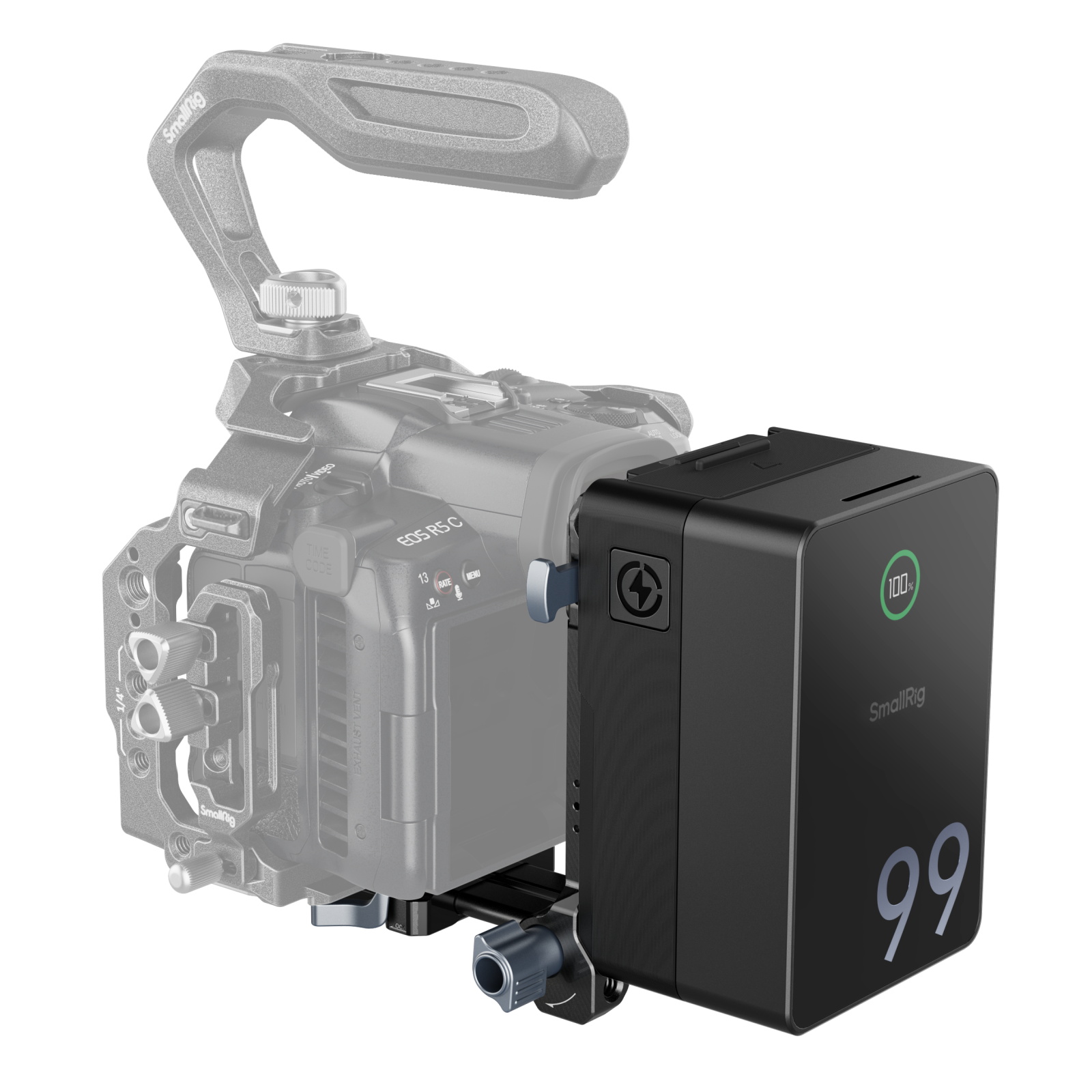
Before purchasing, verify the exact physical dimensions of both the battery and your mounting plate—millimeters matter when it comes to secure locking mechanisms. Check your camera manual for its acceptable voltage input range and ensure the battery’s output falls within those parameters throughout its discharge curve. Consider the broader ecosystem you’re building: if you already own a dual-channel charger from one manufacturer, purchasing batteries from the same brand ensures compatibility and often unlocks features like simultaneous charging and battery health diagnostics. Look for batteries with multiple D-tap and USB outputs if you plan to power accessories directly, and verify these ports deliver sufficient amperage for your specific devices. Established camera accessory manufacturers like SmallRig offer V-mount batteries designed to integrate seamlessly with their broader product ecosystem, which can simplify compatibility concerns when building out your power system. Taking time to map your entire power ecosystem before buying prevents the costly mistake of accumulating incompatible components that don’t work together efficiently.
Mistake 5: Forgetting About Charging and Long-Term Health
Even quality batteries fail prematurely when subjected to poor charging practices that degrade lithium cells over time. Many videographers use whatever charger came bundled with their battery or grab the cheapest third-party option, not realizing that incompatible charging voltages and currents accelerate capacity loss. Leaving batteries at full charge for weeks between shoots, or storing them in hot vehicles, silently damages cell chemistry in ways that become apparent only when runtime suddenly drops by half. Without monitoring battery health indicators, shooters miss early warning signs of degradation until a battery dies unexpectedly during production. The solution starts with investing in a smart charger from a reputable manufacturer—one that communicates with the battery’s management system to deliver optimal charging curves and automatically stops when cells reach full capacity. Adopt proper storage habits by keeping batteries at forty to sixty percent charge when not in use for extended periods, and store them in cool, dry locations away from direct sunlight. Learn to interpret your battery’s fuel gauge and cycle count displays, treating batteries showing significant voltage sag or reduced runtime as candidates for retirement before they fail catastrophically on set.
Making Informed V-Mount Battery Decisions
The five mistakes outlined here—chasing the lowest price at the expense of safety, miscalculating your actual power requirements, overlooking environmental durability, ignoring compatibility within your gear ecosystem, and neglecting proper charging practices—represent the most common ways videographers sabotage their own productions before the camera even rolls. Each pitfall seems minor in isolation, but together they create a cascade of problems that undermine reliability precisely when you need it most. Marcus Chen’s sunset disaster didn’t happen because of bad luck; it happened because he made preventable purchasing decisions without understanding their real-world consequences.
Your V-mount battery isn’t just another accessory—it’s the circulatory system of your entire rig, silently enabling every frame you capture or quietly failing and taking your project down with it. The difference between professional-grade reliability and constant anxiety about power comes down to informed decision-making at the point of purchase. By treating battery selection with the same seriousness you apply to choosing lenses or cameras, you eliminate one of the most common sources of production failure.
Use this guide as your purchasing checklist: verify safety certifications, calculate true runtime needs with a safety margin, demand ruggedized construction for field work, confirm compatibility across your entire system, and commit to proper charging habits from day one. These steps transform your battery from a potential point of failure into the reliable foundation that lets you focus on what matters—capturing the story. Make the right choice now, and you’ll never be the one explaining to a client why the shoot ended early because your battery died.